


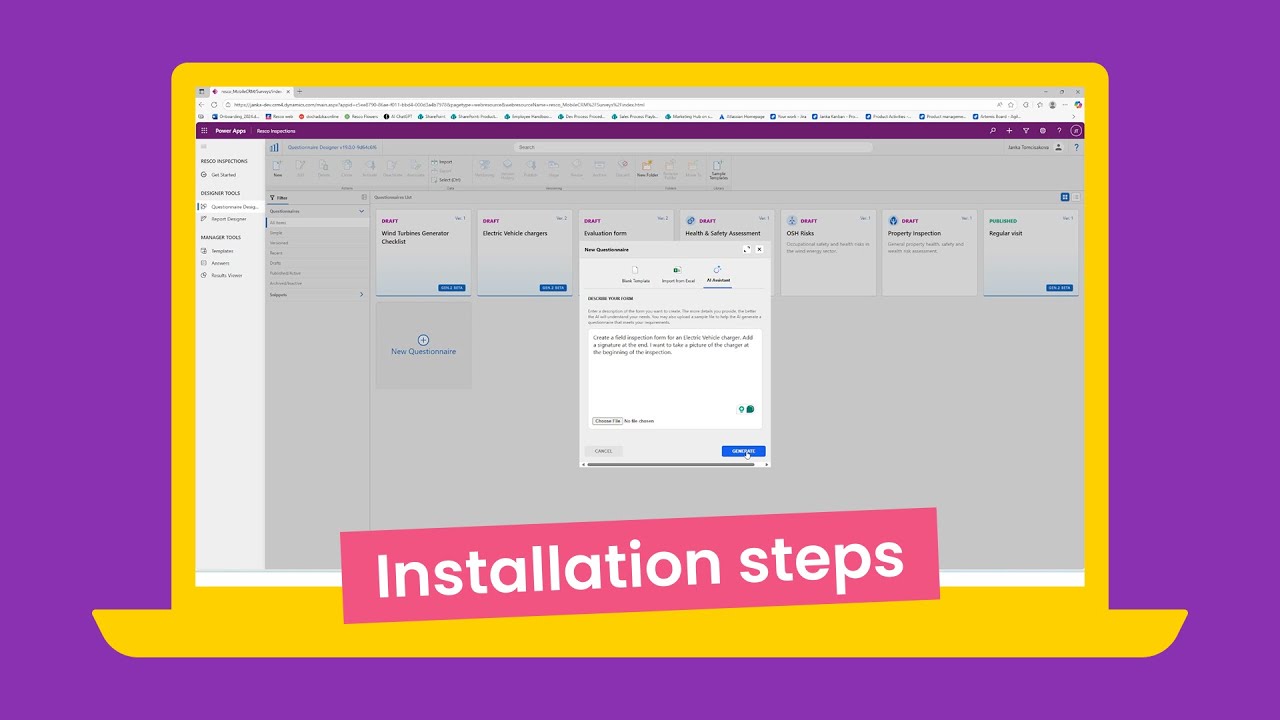
Follow these steps to start your free 30-day trial
- Download the latest Resco Suite preview below or navigate to docs.resco.net/wiki/Preview
- Visit Power Apps interface and sign in.
- Install (or update) your Resco Suite using the downloaded file.
- Once done, publish all customizations in Power Apps
- Open the new model-driven app Resco Inspections — it showcases the upgraded Resco Forms.
Your first steps in the app
Once everything’s installed, here’s what you can try:
- Open the new model-driven app Resco Inspections from your list of published apps.
- On the left menu, explore your designer and manager tools.
- In Questionnaire Designer (QD):
- Create your first questionnaire from scratch or use a prompt to generate one with AI.
- Or upload a PDF or Excel file to generate a questionnaire automatically.
- Upgrading an existing questionnaire by going to Options → Upgrade.
- Fill out a questionnaire from Templates and view your collected responses under Answers.
For detailed, step-by-step installation instructions and additional technical guidance, please visit Resco Wiki: Installing Gen 2 Questionnaires.
Need help?
If you run into any issues, our team’s here to help.
Contact us at the Resco Support Portal.
Thanks for helping us shape the next generation of Resco forms.
We can’t wait to hear what you think!
Need more information?
Learn more about the installation process and first steps in a detailed manual.