Resco Mobile Platform
Resco toolkit for building mobile apps
The offline-first mobile platform for Dynamics 365, Salesforce, and Power Platform. Configure and deploy field service, field sales, and inspection apps—no code required.



-
Resco Mobile Platform
-
-
-
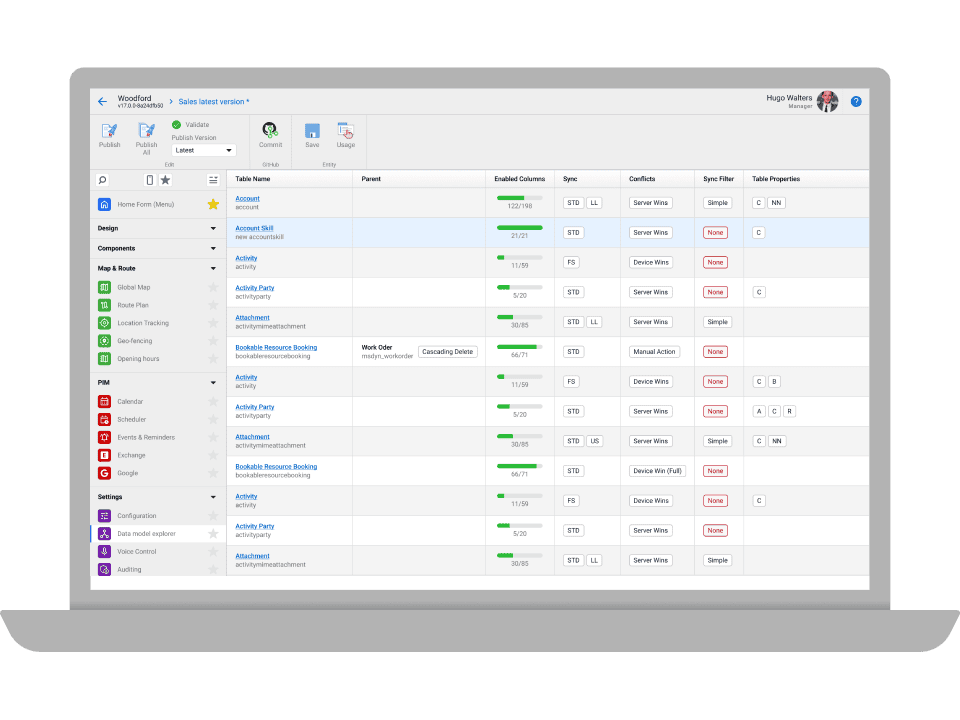
Create mobile app data model
Pick tables, columns and rows from your backend
-
Design views and forms
Choose how you are going to display the data
-
Set up business logic
Set up rules in a point-and-click editor
-
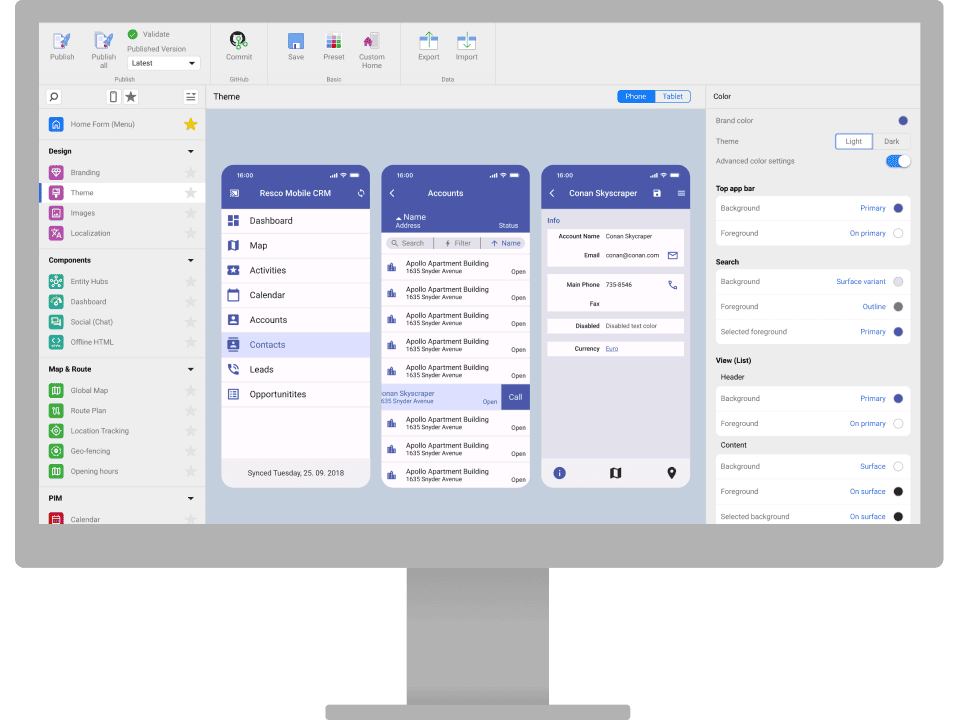
Theme your app
Add your logo and brand colors with a few easy clicks
-
Get the app ready for users
Deploy your mobile app with a single click
-
-
Build your app in 5 easy steps
Create a complex custom project or develop a solution for an industry vertical.
More than 160,000 satisfied users
Discover how others are using Resco and what they think.

Why choose Resco Mobile Platform?
Rapid app building from start to finish
Deploying mobile apps with Resco takes days, not months—all without writing a single line of code. Workers can download the Resco app from AppStore, Google Play, or Windows Store, log into your company environment, and instantly use the app you have published on any device.
Fast and responsive apps that work in any conditions
Having all the required data available locally means swift operation with zero waiting times – all while ensuring the highest levels of data security and encryption. Resco apps have a unique sync engine that makes them reliable in any condition. You can count on uninterrupted availability in areas with a slow internet connection, and even offline. This makes the apps incredibly useful for workers on the go: salesmen, field technicians, carers visiting their clients, and more.
Complex projects without compromising on performance
The apps handle large data sets and robust business logic without compromising performance. They are a great fit for organizations with a large workforce, complex data structures, and lengthy processes conducted on the apps.
No maintenance required
Resco takes care of keeping the application updated to ensure compatibility with the latest technology innovations, devices, and operating system versions, saving you costs and effort.
Exceptional support
Everyone promises great support, but at Resco we truly deliver. Our support, development and knowledge teams share a workspace. In addition to human support, you can use the AI assistant trained on our extensive documentation to get step-by-step guides and troubleshooting tips for your apps in seconds. We have a proven track record of providing first class support to our partners and customers and incorporating feature requests into our roadmap.
Case studies
Build complex custom projects
Our customers and partners use Resco Mobile Platform to build apps tailored to their workflows.
Build solutions for industry verticals
Our OEM partners use their know-how to build solutions for specific industries and then customize them for multiple companies in the same vertical.
Resco Mobile Platform features
-
-
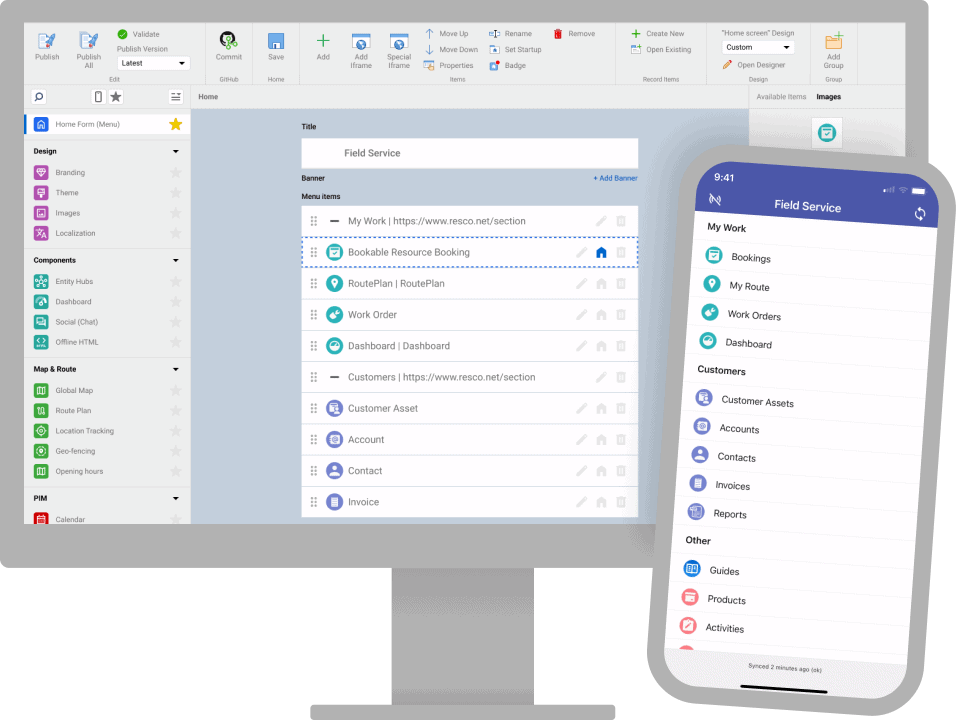
Mobile business apps can be built in days, not months, all without writing a single line of code.
- Ease of app building and setup
- Rich configuration options
- Out-of-the-box components for mobile work
- AI assistant to support development and troubleshooting
- State-of-the-art offline capabilities, even with large data sets
- Robust governance for building secure applications
- 20+ years track record of supporting enterprises on the go
-
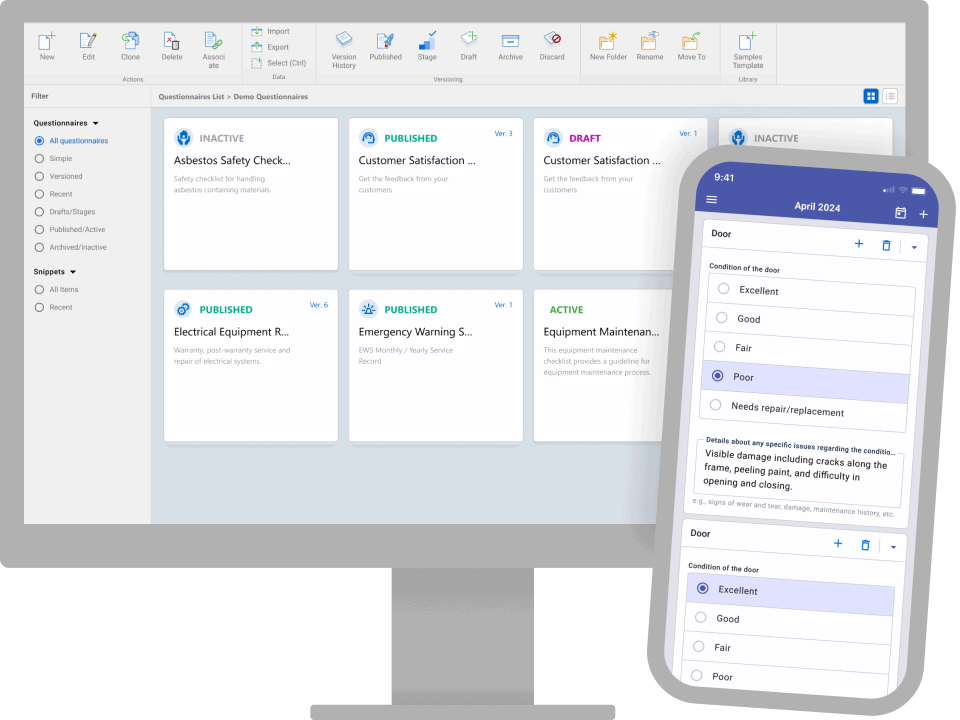
Empower your business users with modules that will allow them to do their job independently.
- Create dynamic forms and checklists for collecting field data in a no-code designer
- View collected data in Results viewer
- Design document templates with Reports designer
- Schedule your workers in Schedule board
- Manage and share knowledge with step-by-step Guides
- Let field workers plan and optimize their daily trips with Route
- Record time spent on tasks and projects with Timesheets
-
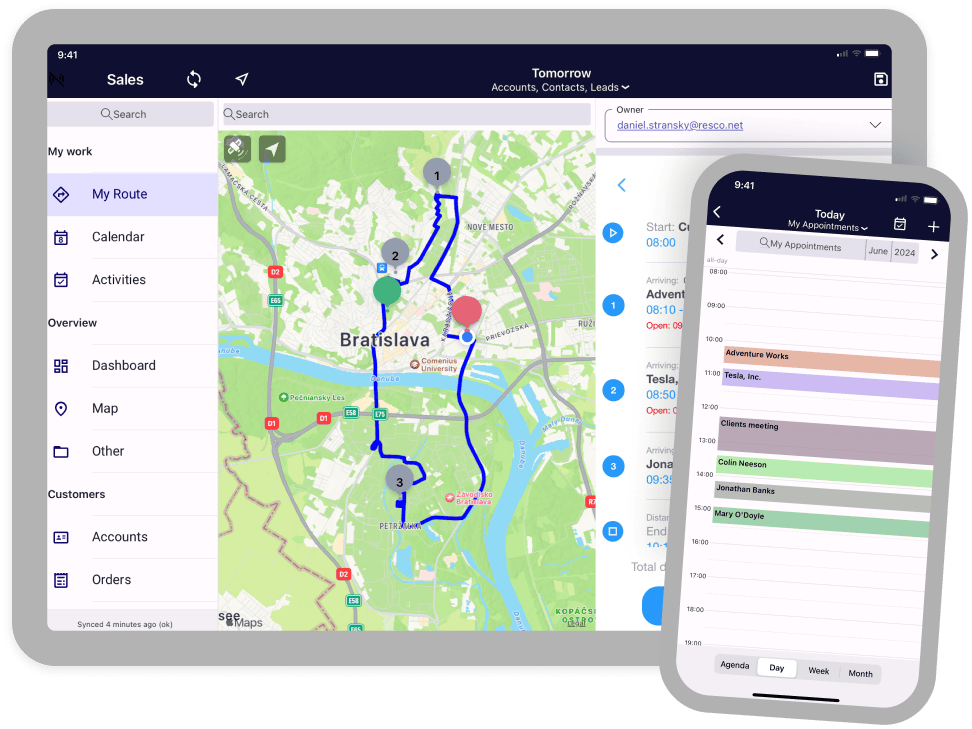
Download the Resco app from any app store, connect to your environment and start using it in minutes on any device.
- Works fully offline
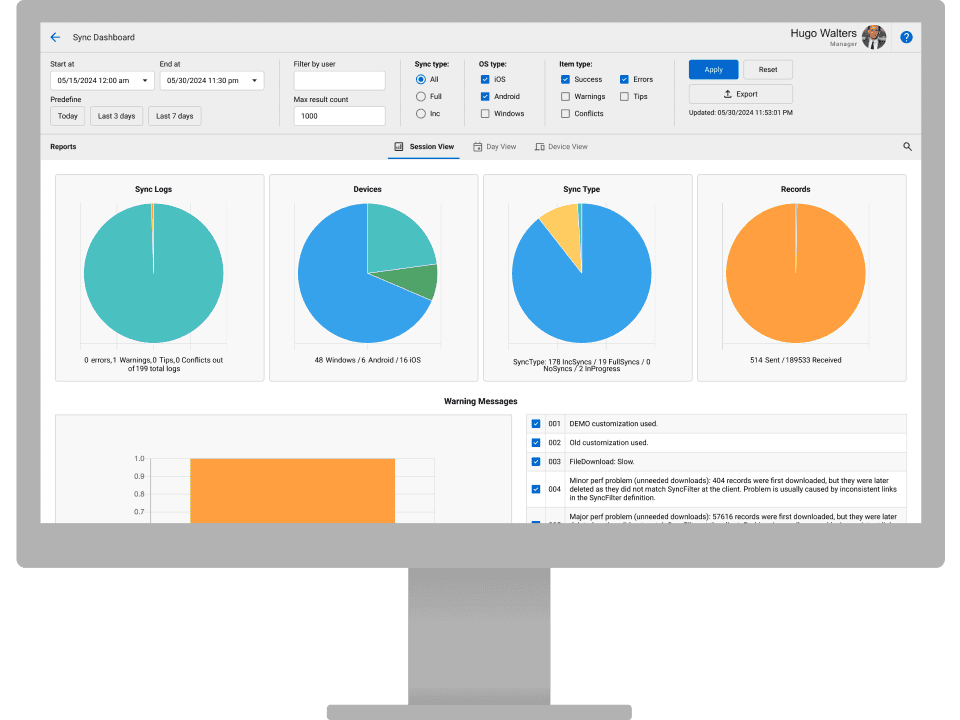
- Fast and reliable sync
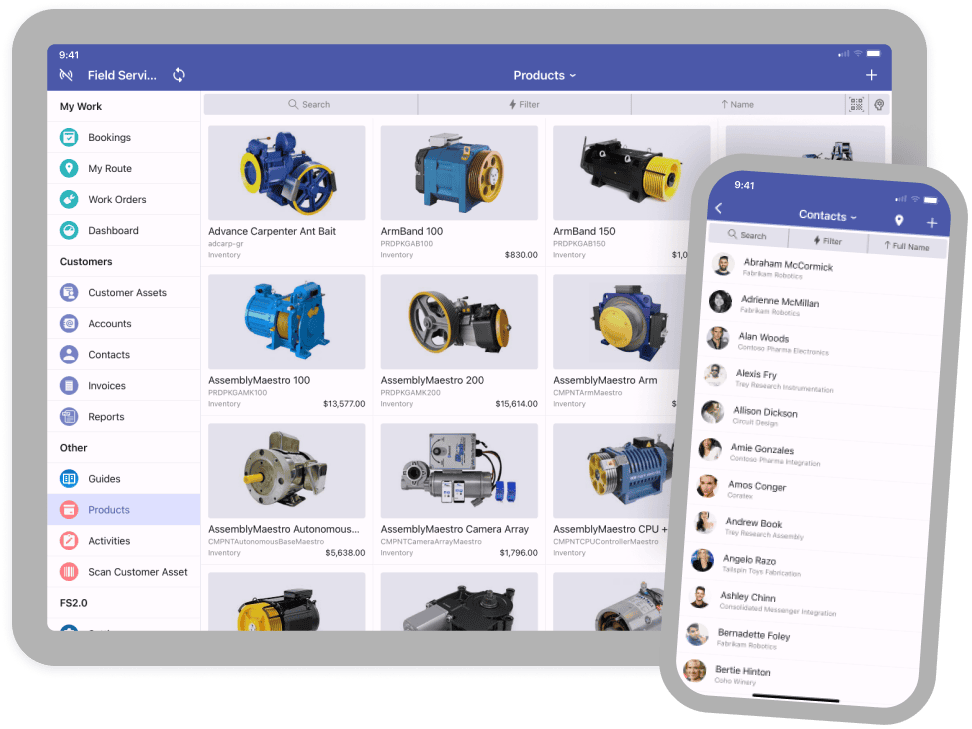
- Native mobile UI with superior responsiveness
- AI image recognition and route optimization
- Robust business logic and components covering all business requirements without the need for custom development
- Works on any mobile device, including tablets and watches
- Ready for Android, iOS and Windows
- Maintained to support the latest operating system versions
-
Let’s talk about your use case 📞
No sales deck or commitments. Just a practical, productive conversation to see if Resco can help you with your project.
Pricing
Free for app makers. Start paying for user licenses when you deploy your project.
Switch currency
- EUR
- USD
-
Enterprise
Add sales, field service automation, route planning, device management, and premium support.
Get a quote40 €
/mo
per user
-
Ultimate
Add dynamic questionnaires, location tracking, and digital guides.
Get a quote50 €
/mo
per user
Switch currency
- EUR
- USD
See pricing detailsDo you need detailed information about our pricing and included features?
Start building your mobile app today
Mobilize your business today
-

Desktop
-

Web
-

Tablet
-

Mobile
-
-

Windows
-

macOS
-

iOS
-

Android
-
Product roadmap
Explore upcoming features, updates, and improvements to get a clear view of what’s next and how it benefits you.
-